 Solo Scores
How do I invite someone?
Sharing a collection or playlist puts its music on other players' devices and keeps it in sync as you change it. Everyone joins as a reader, who can open the music but not change it. You can give someone more access once they accept.
Invite someone
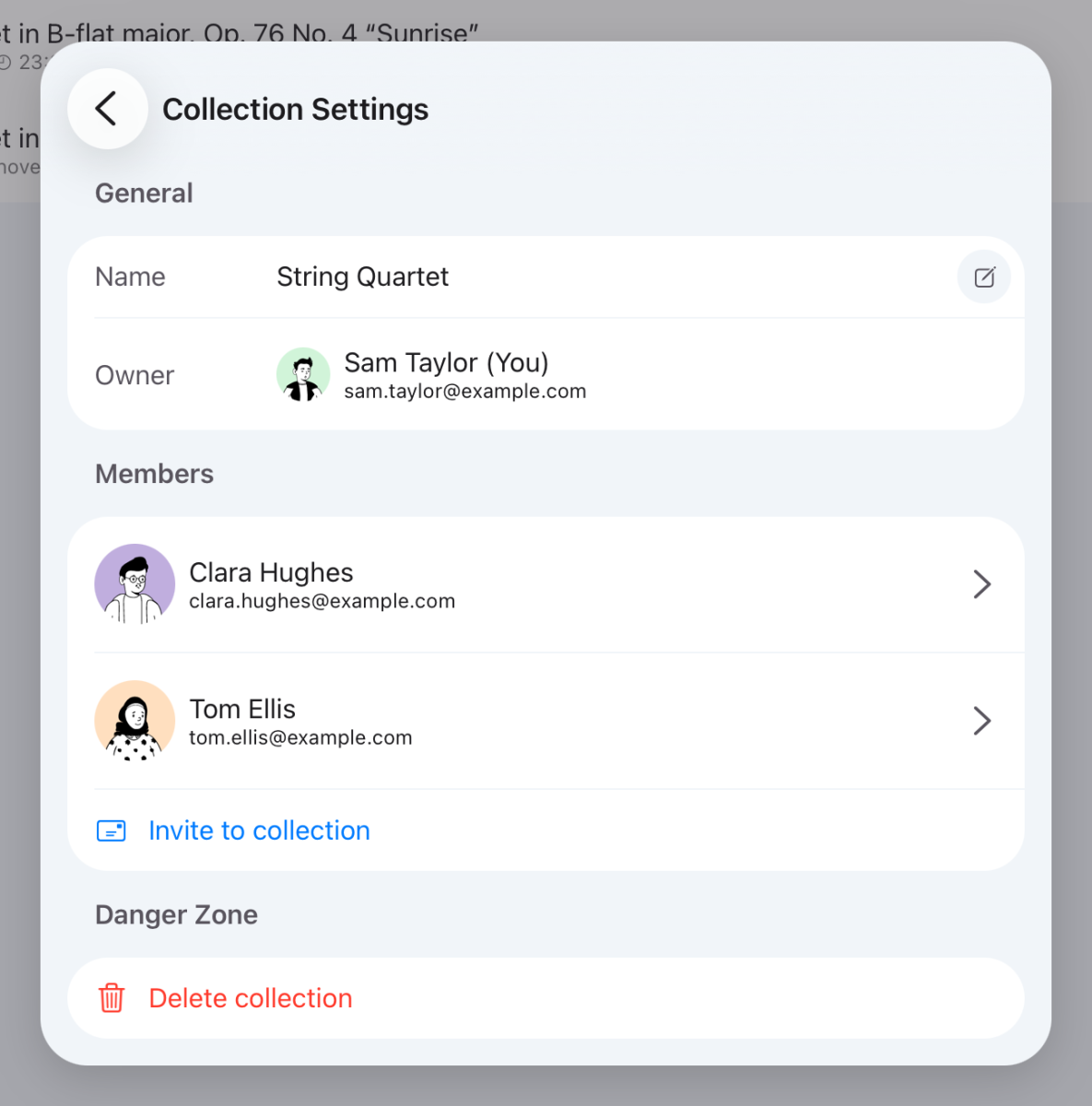
- Open the collection or playlist, tap ⋯ at the top of the screen, and choose Collection Settings or Playlist Settings.
- Tap Invite to collection or Invite to playlist.
- Enter their Email and tap ✓ to send the invite.
The invite shows under Pending Invites until they accept it. To cancel it, tap Revoke.
Give someone more access
- Open Collection Settings or Playlist Settings again and tap the person's name.
- Turn on Add, edit and delete scores (Add, reorder and remove scores for a playlist), Manage members, or both.
Each switch takes effect straight away. See What access can members have?
Still need help? Email info@soloapps.co.uk.