 Solo Scores
What details can I save for a score?
A score can include a title, artist, genres, duration and tempo. These details make your library easier to search and organise, and the saved tempo becomes the metronome's starting tempo in the score viewer.
Edit a score's details
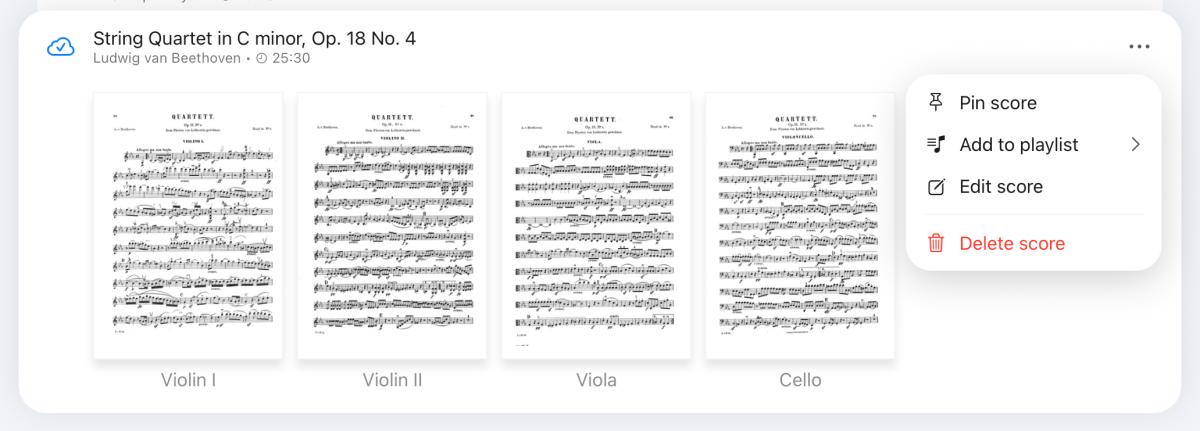
- In the collection, tap the score to expand it.
- Tap ⋯ and choose Edit score.
- Change the details and tap ✓ to save.
Still need help? Email info@soloapps.co.uk.