 Solo Scores
How do I reorder or shuffle a playlist?
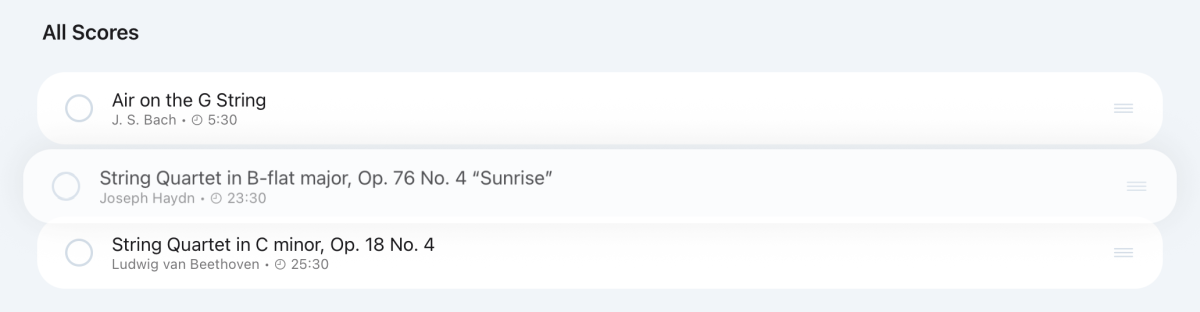
Organise mode changes a playlist's running order by hand, and Shuffle Order puts it in a random order. The new order syncs to everyone who shares the playlist.
Reorder scores
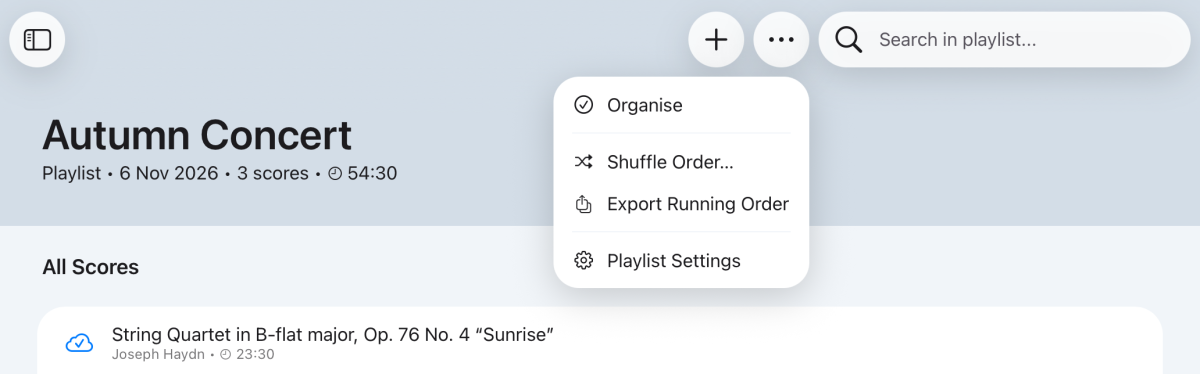
- Open the playlist, tap ⋯ at the top of the screen and choose Organise.
- Press and hold a score's handle on the right, then drag it into place.
- Tap ✓ when you're done.
Shuffle a playlist
- Open the playlist, tap ⋯ at the top of the screen and choose Shuffle Order….
- Tap Shuffle to confirm.
Still need help? Email info@soloapps.co.uk.