 Solo Scores
How do pen presets work?
Pen presets save combinations of colour and line width, so your usual markings are ready each time you annotate. Tap a preset in the toolbar to draw with it, or tap + to add a new one.
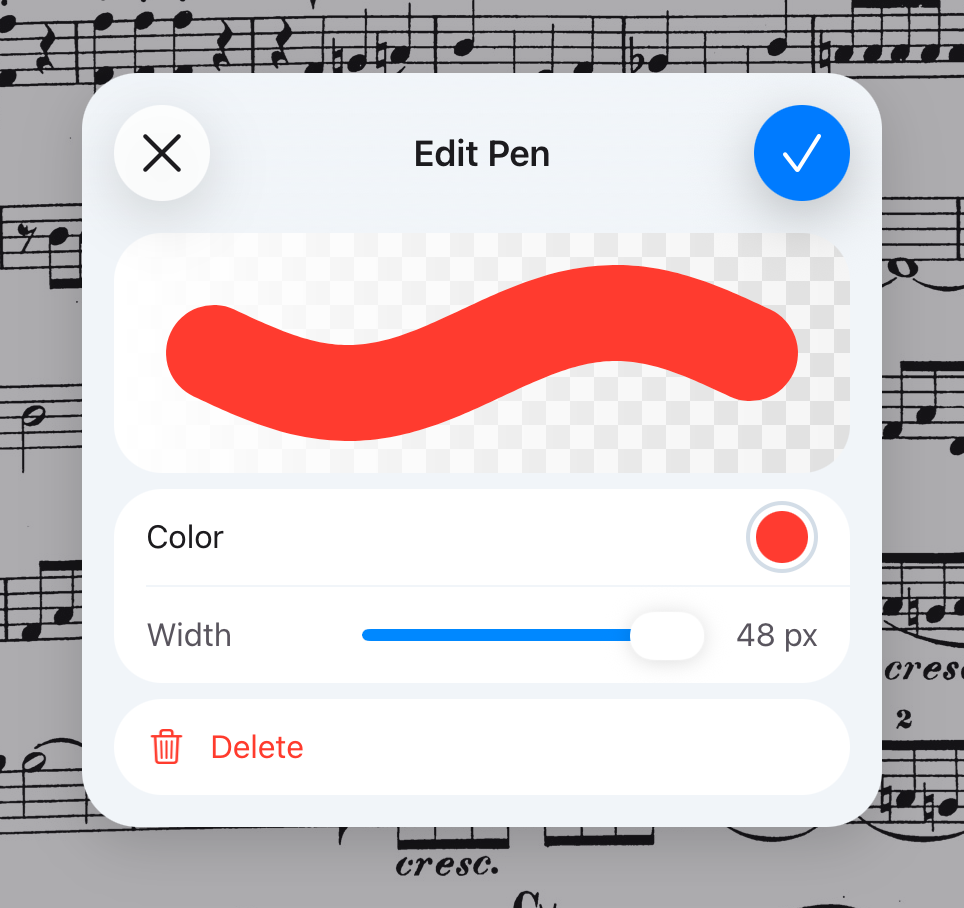
Edit or delete a preset
- While annotating, tap the preset to select it.
- Press and hold it to open Edit Pen.
- Change its colour and width, or tap Delete.
Still need help? Email info@soloapps.co.uk.