 Solo Scores
How do I use the metronome?
The metronome is in the score viewer. If the score has a saved tempo, the metronome starts from it, and you can adjust it for the current practice session.
Start or stop the metronome
- Tap the metronome in the score viewer.
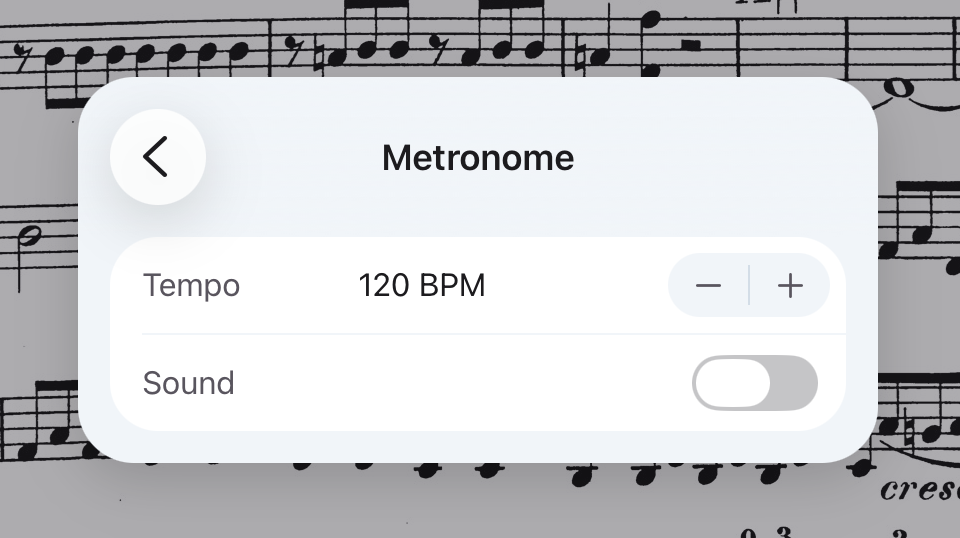
Change the tempo or sound
- Press and hold the metronome.
- Set the Tempo and Sound.
Still need help? Email info@soloapps.co.uk.